Updating Your Banking Details
This article guides you through adding banking information to your account for the first time or updating your existing banking details.
To update your banking details:
Go to Settings from your account name (business name) at the top right of the screen
Select Edit from the Bank Information section.
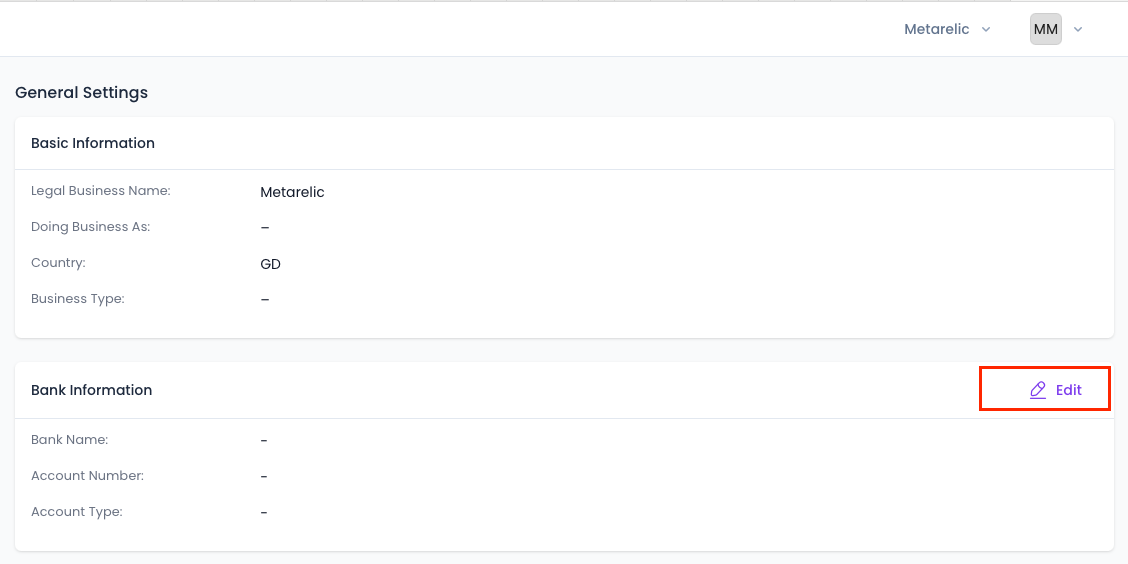
Enter your new banking information:
- Select your bank from the list of banks.
- Select Account Type
- Enter account numberReview and Save
Double-check all entered information for accuracy. Read the terms and conditions related to payment processing. Click "Save" to confirm your changes.